by admin | May 3, 2025 | Excel Tips & Tricks
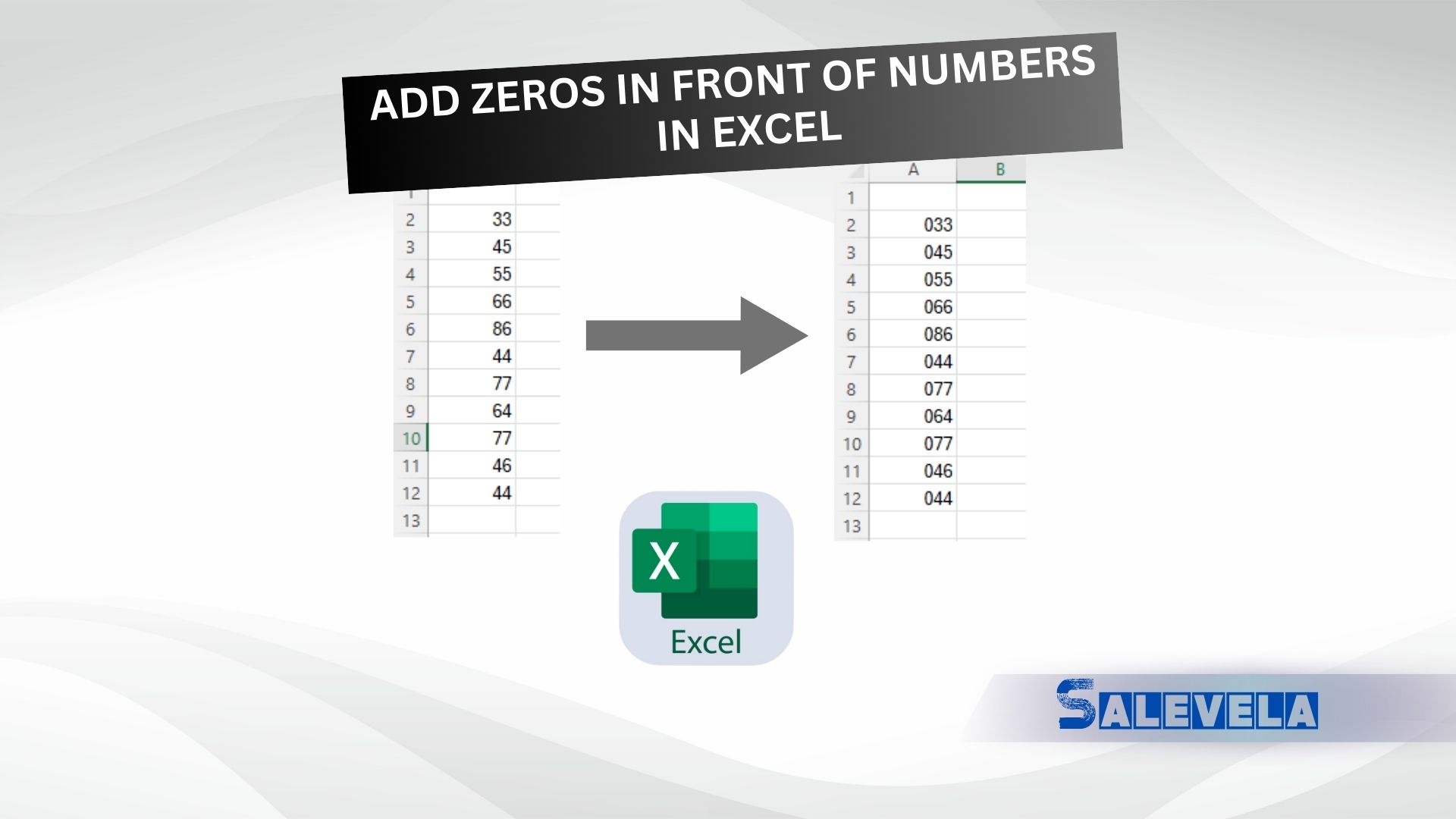
🔹 Method 1: Using an Apostrophe Type ‘000123 → Excel treats it as text and displays the leading zeros. 🔹 Method 2: Format as Text Select the cells Right-click → Format Cells → Choose Text Now enter numbers with zeros (e.g., 00123), and they will stay. 🔹 Method...
by admin | Apr 19, 2025 | Excel Tips & Tricks
🔹 Formula to Calculate Percentage Marks 📌 Formula: =B2*100/C2 🔹 Explanation: B2 → Marks Obtained C2 → Total Marks Multiplies by 100 to convert into percentage format. 🔹 Example Output: Marks Obtained (B)Total Marks (C)Percentage FormulaResult...
by admin | Apr 18, 2025 | Excel Tips & Tricks
🔹 Use the RANK Function to Find Position in a List 📌 Formula: =RANK(C6, $C$6:$C$30) 🔹 Explanation: C6 → The cell you want to rank. $C$6:$C$30 → The range of values where ranking is applied. This formula assigns a rank based on the highest value (default descending...
by admin | Apr 17, 2025 | Blog, Excel Tips & Tricks
🔹 Automatically Get Today’s Date in Excel 📌 Formula: =TODAY() 🔹 Explanation: This formula returns the current date and updates automatically every day. The format will match your system’s date settings (e.g., 03-Apr-2025). 🔹 Example Usage: FormulaOutput (If...
by admin | Apr 16, 2025 | Excel Tips & Tricks
🔹 How to Sum Values for a Specific State in Excel 📌 Formula to Sum Only ‘Delhi’ Amounts: =SUMIF(C:C, “Delhi”, D:D) 🔹 Explanation: C:C → The column where states are listed. “Delhi” → The condition to filter only “Delhi”....
by admin | Apr 15, 2025 | Excel Tips & Tricks
📌 Formula: =DATE(RIGHT(B7,4), MID(B7,3,2), LEFT(B7,2)) 🔹 Explanation: If B7 contains a number like “25032024” (DDMMYYYY format), the formula: Extracts the year → RIGHT(B7,4) → 2024 Extracts the month → MID(B7,3,2) → 03 (March) Extracts the day → LEFT(B7,2)...



