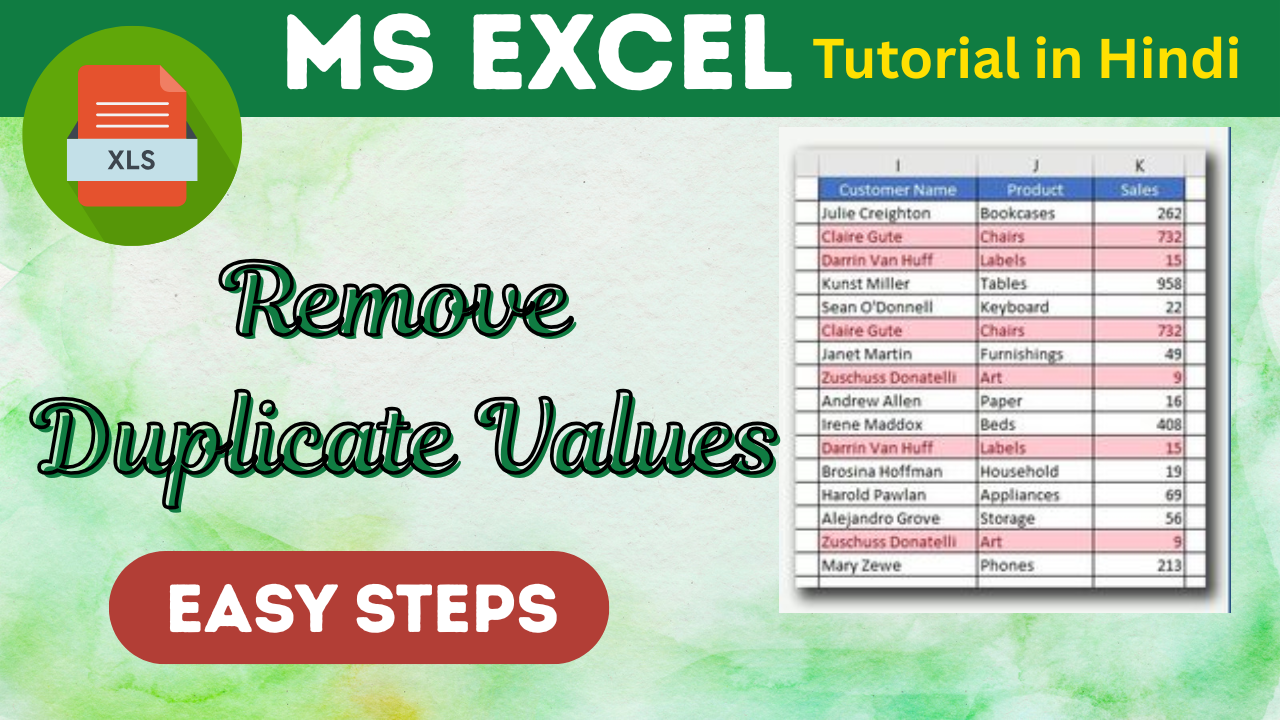
by admin | May 9, 2025 | Excel Tips & Tricks
Cleaning up data is a crucial task when working with spreadsheets. If you’re dealing with lists, customer records, or sales data — duplicate entries can lead to errors and confusion. Thankfully, Excel makes it incredibly easy to find and remove duplicates with...
by admin | May 8, 2025 | Excel Tips & Tricks
Macros in Excel are a powerful tool that lets you automate repetitive tasks with just one click. Whether you’re formatting data, generating reports, or performing calculations — macros can save you hours of manual effort. Let’s walk through how to create, apply,...
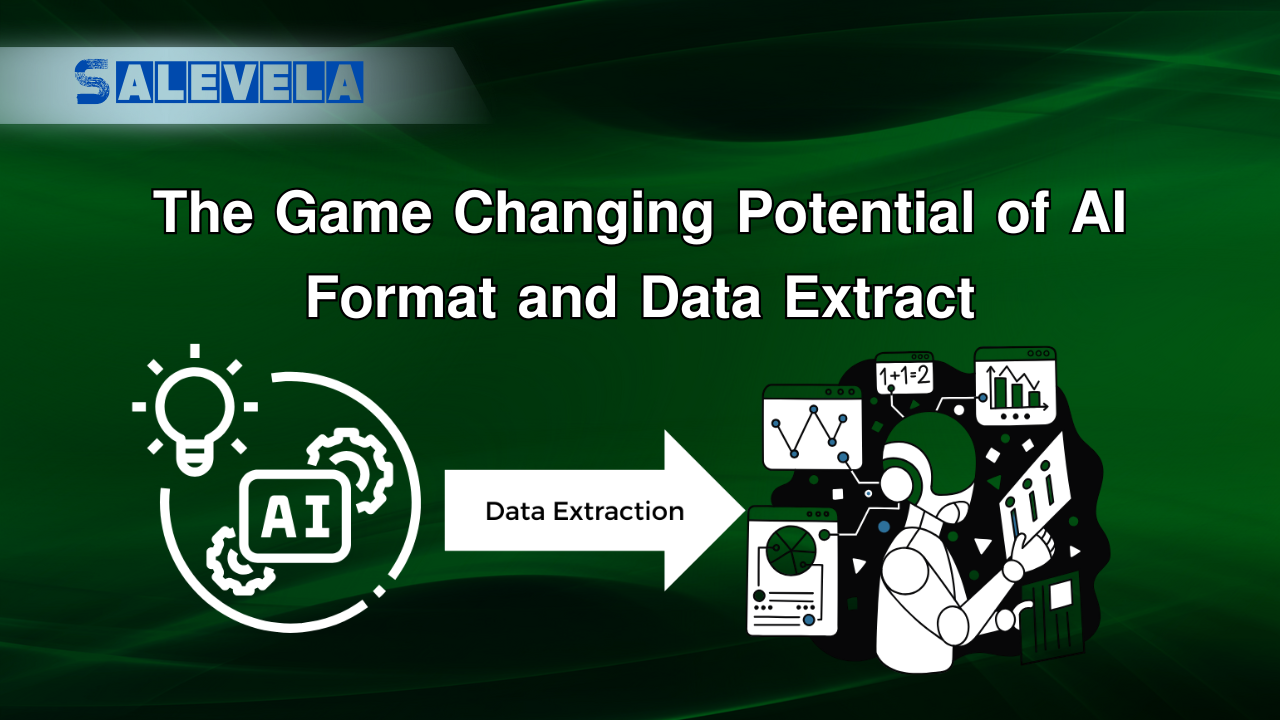
by admin | May 7, 2025 | Excel Tips & Tricks
Microsoft Excel has come a long way — and with AI-powered features, it’s now smarter than ever. Whether you’re organizing customer records or analyzing large datasets, Excel’s AI tools can save hours of manual effort. In this post, we’ll explore the best...

by admin | May 6, 2025 | Excel Tips & Tricks
Whether you’re a beginner or a seasoned pro, Excel has countless hidden gems that can save you time, improve accuracy, and supercharge your productivity. Here are 30 Excel tips and tricks that will make your work smarter, faster — and make you look like an Excel...

by admin | May 5, 2025 | Excel Tips & Tricks
🧠 Bonus Alternative Headings: “Generate Excel Formulas with ChatGPT | No More Manual Guesswork!” “Let ChatGPT Write Excel Formulas for You — Fast and Easy!” “Boost Excel Productivity: Use ChatGPT to Build Formulas Instantly”...

by admin | May 4, 2025 | Excel Tips & Tricks
Focus Cell View👉 Helps you concentrate by graying out other cells and only highlighting the active one. Hide and Unhide Sheet Easily👉 Right-click on any sheet tab → Hide or Unhide with a clean list view—no need to scroll. Highlight Active Row & Column👉 Excel now...



