
Table of Contents
Keep the Cursor in the Same Cell After Pressing ENTER
By default, pressing Enter moves the cursor to the next cell. To stay in the same cell:
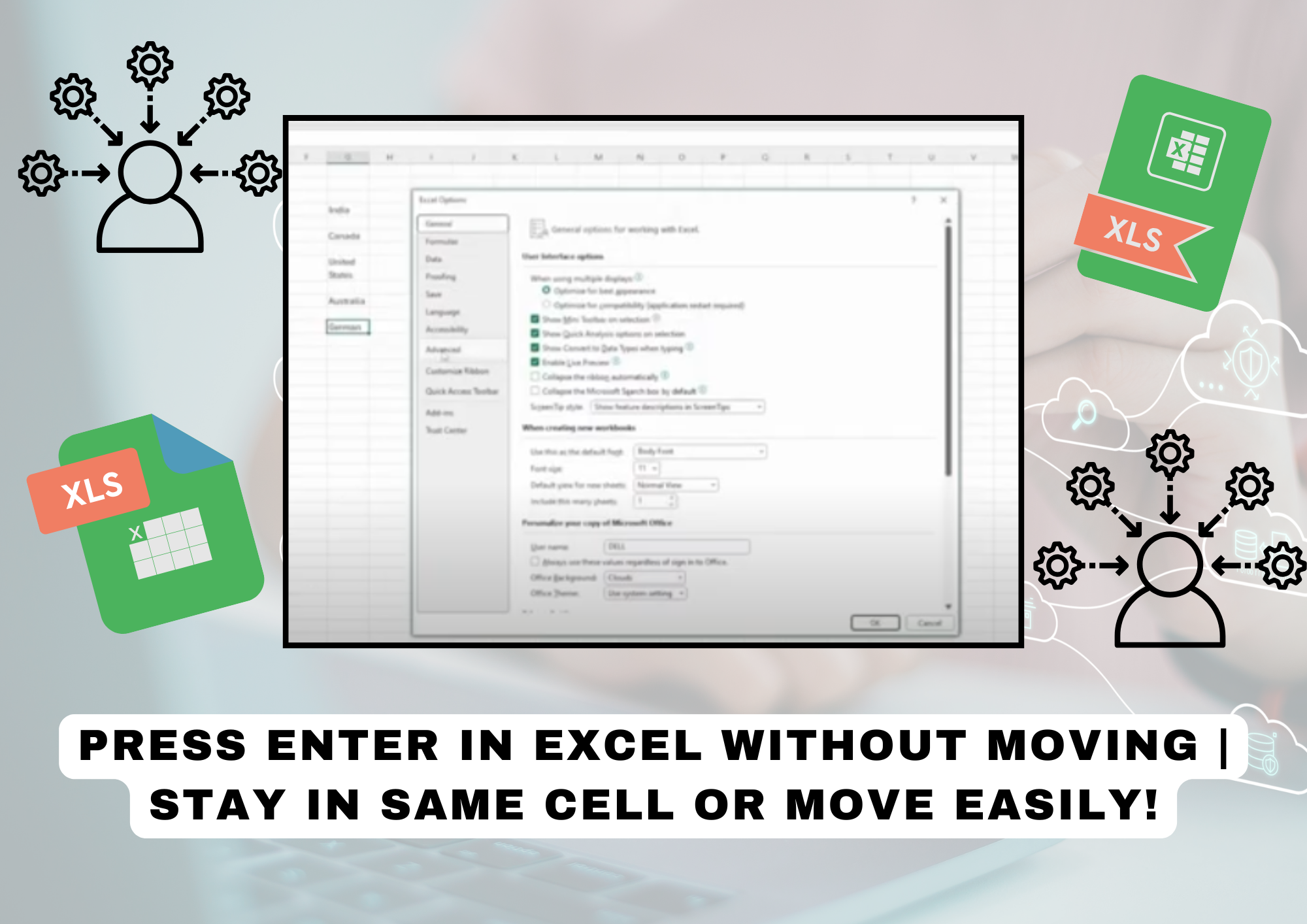
1️⃣ Go to File > Options.
2️⃣ Click on Advanced.
3️⃣ Find “After pressing Enter, move selection”.
4️⃣ Uncheck the box.
5️⃣ Click OK to save changes.
✅ Now, pressing ENTER will keep you in the same cell!
If you want Excel to move in a specific direction:
1️⃣ Go to File > Options > Advanced.
2️⃣ Find “After pressing Enter, move selection”.
3️⃣ Check the box and select:
- Down (default)
- Right
- Left
- Up
4️⃣ Click OK to apply the setting.
✅ Now, pressing ENTER will move the selection in your chosen direction! 🚀


