
Table of Contents
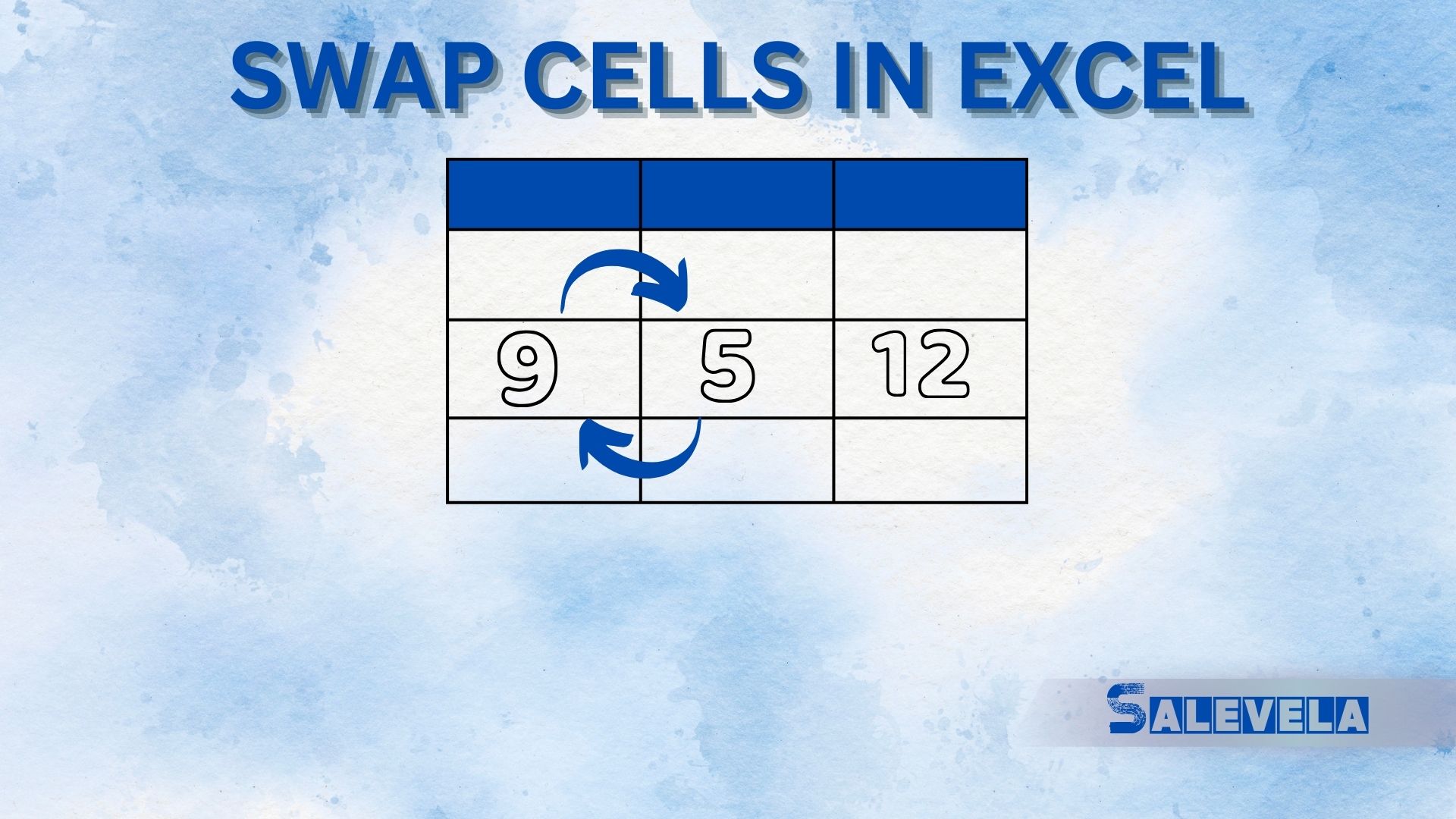
🔄 Swap Cells in Excel Like a Pro!
Swapping cells in Excel helps rearrange data quickly. Here’s how to do it:
1️⃣ Drag & Drop Method (Best for Adjacent Cells)
- Select the cell you want to move.
- Hover over the cell border until the cursor changes to a four-way arrow (↔️↕️).
- Press & hold Shift, then drag the cell to the new location.
- Release the mouse, and Excel will swap the cells.


