
by admin | Jun 10, 2025 | Blog
Want to automate WhatsApp messages directly from Google Sheets? Whether you’re reminding customers about dues or sending updates, this trick saves time and effort! Let’s walk through the step-by-step guide 👇 📋 Sample Data NamePhone NumberAmountMessageWhatsApp...

by admin | Jun 9, 2025 | Excel Tips & Tricks
Microsoft Excel has introduced AI-powered functions that make your work smarter, faster, and more efficient. These AI functions automate common tasks like filling data, translating, summarizing, and even extracting insights — all with a simple formula! Let’s explore...
by admin | Jun 8, 2025 | Excel Tips & Tricks
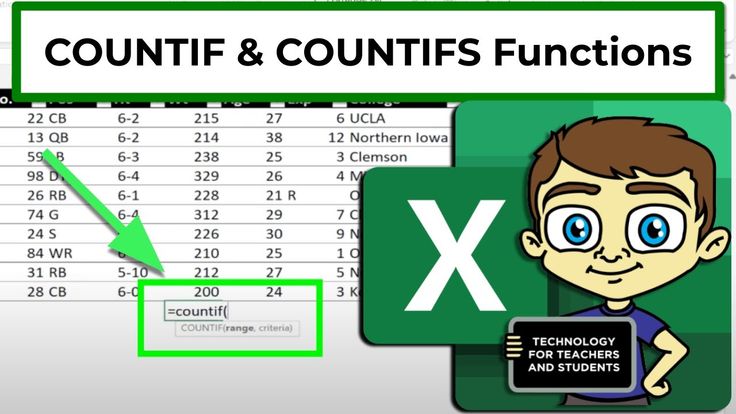
Excel gives you powerful tools to count data based on specific conditions. If you’re working with names, classes, or any repeated values, the COUNTIF and COUNTIFS functions make it super easy. Let’s break it down with examples 👇 🧮 Example Dataset Student...
by admin | Jun 7, 2025 | Excel Tips & Tricks
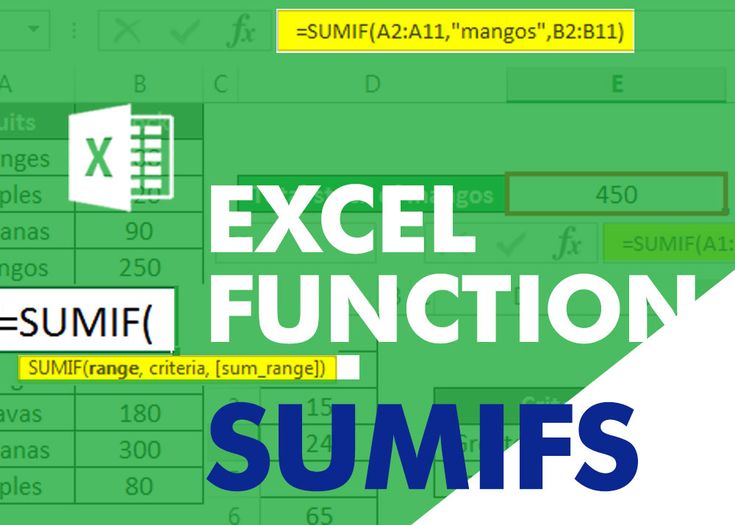
When managing sales data in Excel, calculating total values by condition is a regular need. With the SUM and SUMIF functions, you can quickly total your sales — either generally or based on specific criteria like Department or State. Let’s explore how both work using...

by admin | Jun 6, 2025 | Excel Tips & Tricks
When working with data in Excel, lookup functions are essential. For years, VLOOKUP was the go-to function for searching and retrieving information. But now, with Office 365 and Excel 2021+, we have a more powerful alternative – XLOOKUP. Let’s break down both...



