by admin | Jun 15, 2025 | Excel Tips & Tricks
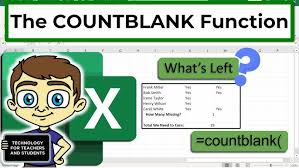
✅ Step-by-Step Guide: 🔹 1. Use COUNTBLANK to Count All Blank Cells in a Range If you want to count how many blank cells are present in a column or a selected range: 📌 Formula: =COUNTBLANK(A2:A20) ➡️ This will count all the blank cells between A2 and A20. 🔹 2. Use...
by admin | Jun 14, 2025 | Excel Tips & Tricks
✅ Step-by-Step Guide: 🔹 Step 1: Open Excel Launch Microsoft Excel on your computer. 🔹 Step 2: Go to the Data Tab Click on the Data tab from the top ribbon. 🔹 Step 3: Select Get Data Choose Get Data → From File → From PDF. 🔹 Step 4: Choose Your PDF File A file browser...

by admin | Jun 13, 2025 | Excel Tips & Tricks
🧠 ChatGPT Prompt to Use: I have a table with columns: Date, Salesperson, Region, Product, Units Sold, Total Sales.Guide me step-by-step to create a Pivot Table to analyze sales and units sold. ✅ Step-by-Step Instructions to Create a Pivot Table: 🔹 Step 1: Select the...
by admin | Jun 12, 2025 | Excel Tips & Tricks
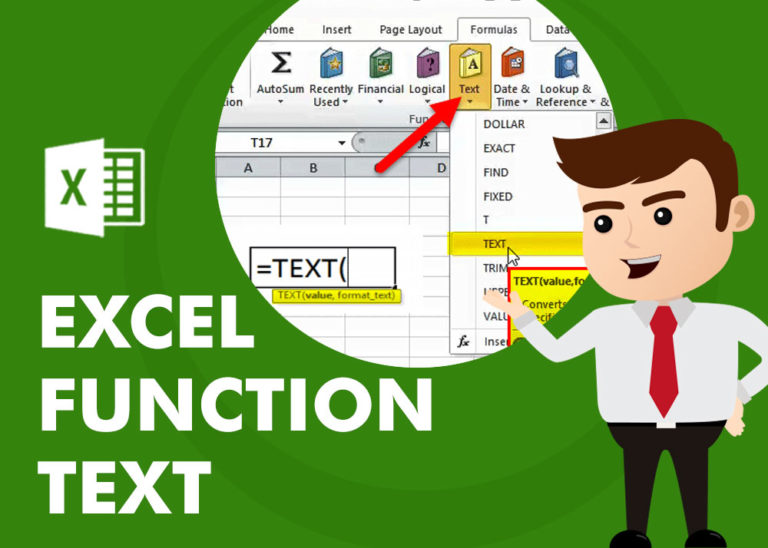
The TEXT function in Excel is one of the most powerful and underrated tools for formatting data. It allows you to convert numbers, dates, and times into text with custom formatting — perfect for reports, dashboards, and automation. 🔹 What is the TEXT Function? Syntax:...
by admin | Jun 11, 2025 | Blog
Are you an Excel user who loves shortcuts, or someone who sticks to formulas for accuracy? In this blog, we’ll compare formulas vs tricks — and find out which one is better for different tasks! 🚀 🧮 1. Adding Numbers Formula: =SUM(A1:A5) Trick: Select the range Look at...



