by admin | May 20, 2025 | Excel Tips & Tricks
If you’re managing a sales database and want to extract specific information based on multiple conditions—DGET is your secret weapon. It allows you to pull one value from a structured database that matches your exact criteria. 📌 What is the DGET Function? DGET stands...

by admin | May 10, 2025 | Excel Tips & Tricks
If you manage monthly profits or department-wise financials in Excel, applying currency formatting is a must. Whether you’re tracking profits for Sales, Marketing, HR, or Finance, converting raw numbers into clean, readable currency values brings clarity and...
by admin | May 9, 2025 | Excel Tips & Tricks
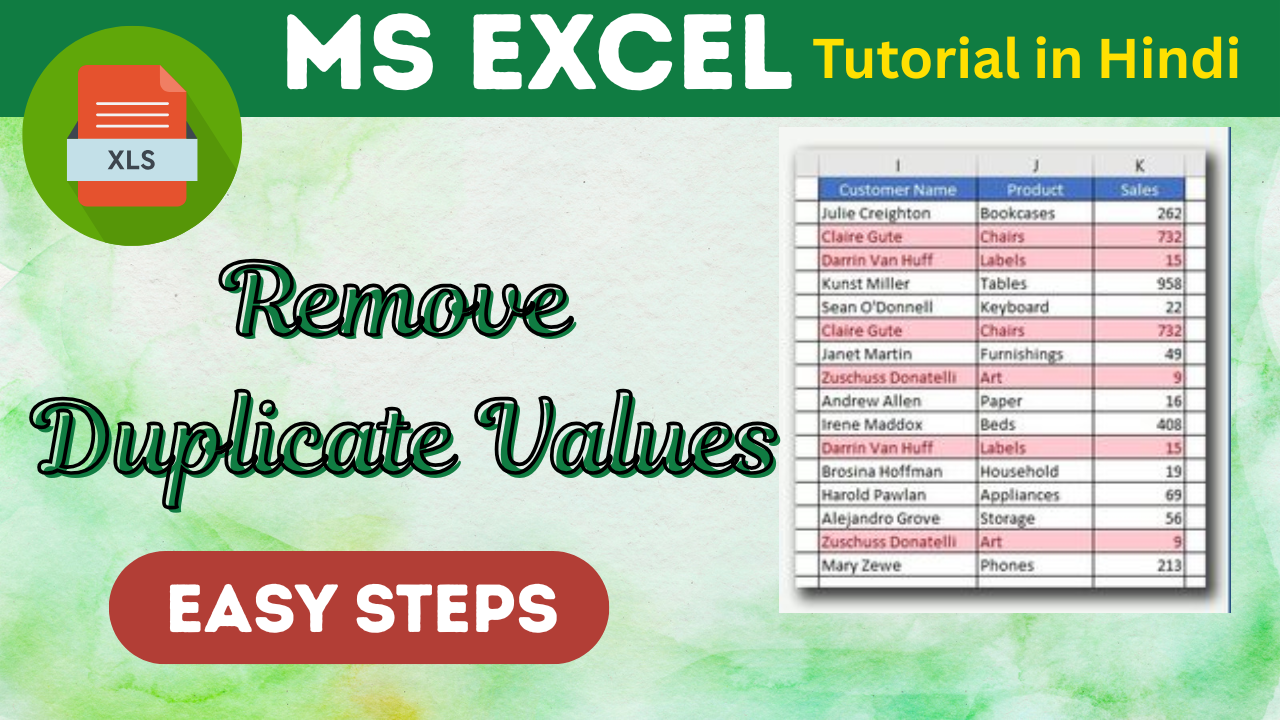
Cleaning up data is a crucial task when working with spreadsheets. If you’re dealing with lists, customer records, or sales data — duplicate entries can lead to errors and confusion. Thankfully, Excel makes it incredibly easy to find and remove duplicates with...
by admin | May 8, 2025 | Excel Tips & Tricks
Macros in Excel are a powerful tool that lets you automate repetitive tasks with just one click. Whether you’re formatting data, generating reports, or performing calculations — macros can save you hours of manual effort. Let’s walk through how to create, apply,...

by admin | May 7, 2025 | Excel Tips & Tricks
Microsoft Excel has come a long way — and with AI-powered features, it’s now smarter than ever. Whether you’re organizing customer records or analyzing large datasets, Excel’s AI tools can save hours of manual effort. In this post, we’ll explore the best...



